It’s important to keep in mind that the License Key and the CodeCanyon Purchase Code are two different things.
Please use incognito mode in your browser!
In order to get the License Key for the Filter Everything PRO plugin, simply go to Filters > Settings > License and click the “Get your License Key” button.
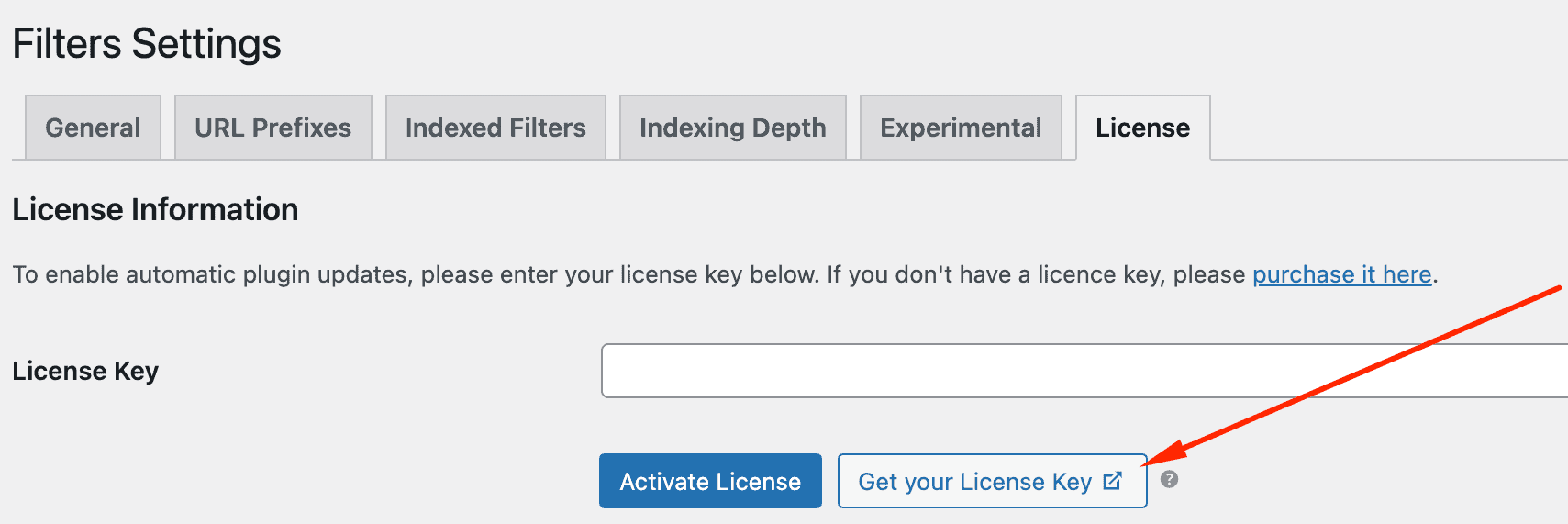
It will take you to a new page where you need to log in with your Envato credentials (using the account you used to purchase the plugin) to obtain your License Key.