On July 20 we released a new version of the plugin — 1.9.4. It includes everything from 1.9.3 plus a couple of stability fixes. Here is what’s inside.
1. New ⚡️ “Instant recount” algorithm for the “Apply Button” mode
Available filter combinations and their counters are now recalculated instantly, right in the browser — no page reload and no AJAX request on every filter click. Try it out on the demo page: https://demo.filtereverything.pro/apply-button/

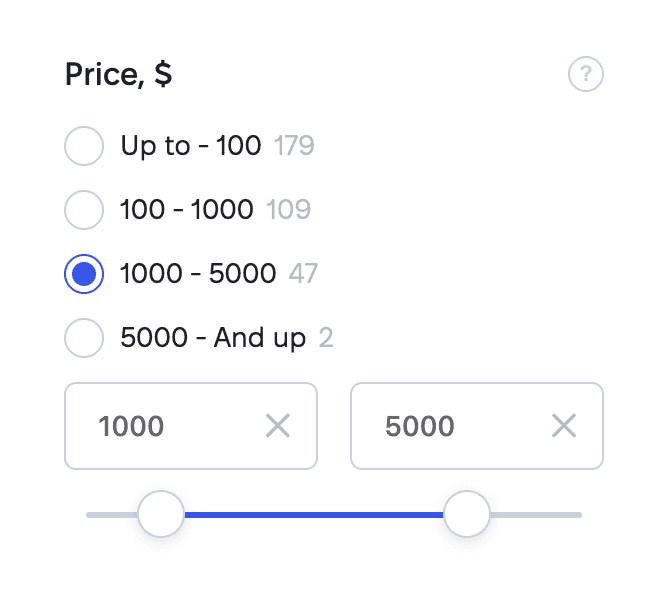
2. Range Lists for numeric filters
Predefined “From – To” ranges are often more convenient for picking a price range than the From/To fields or a slider. And if you wish, you can use everything at once — the range list together with the slider and the fields.
3. Widgets for page builders
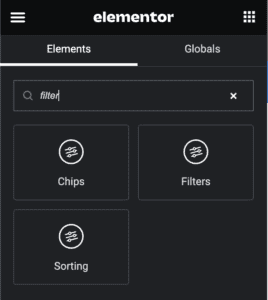
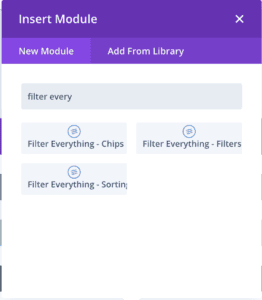
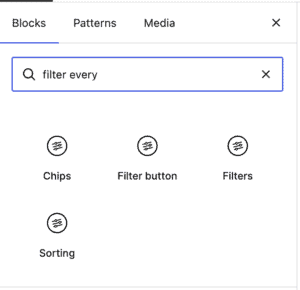
We added Filters, Chips and Sorting widgets to Divi, Bricks, Breakdance, Beaver Builder and the built-in WordPress editor — Gutenberg. With these page builders you no longer have to insert shortcodes: just pick the widgets right in the editor you already use.
4. The “Disable filter links for crawlers” option
The new toggle replaces <a> tags in filters with <span>, so search engine and AI crawlers don’t see direct links to filtered result pages. This gives you a double win: a) it reduces the load these bots put on your site; b) it stops wasting crawl budget on meaningless pages.
The option is smart, though: links to pages that match your SEO Rules keep the real <a> tag, so the pages you actually want indexed continue to be indexed.

5. Visual selection of the results container
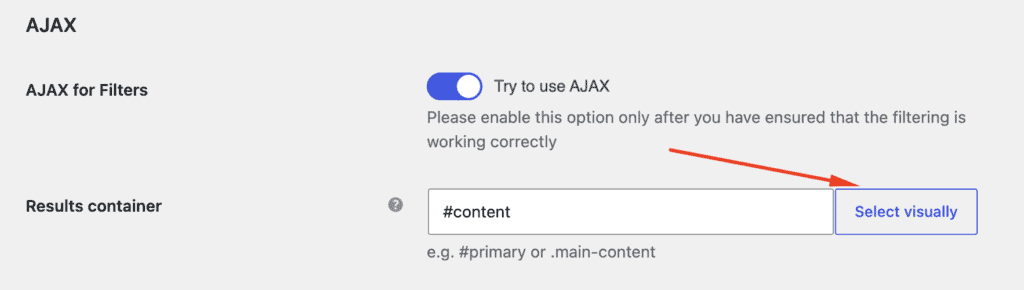
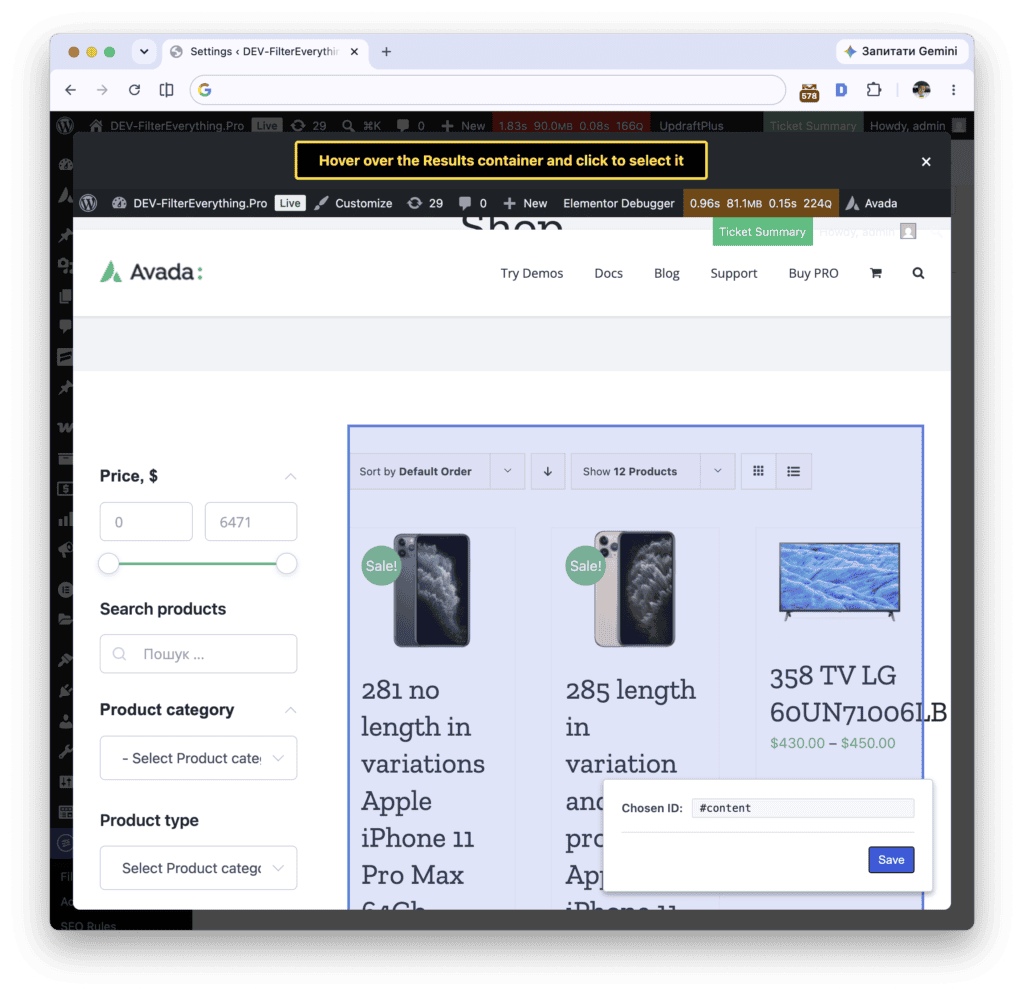
For convenience, you can now select the container with filtering results visually: click “Select visually” and simply click the area with your products. Now even non-technical users can easily set up AJAX filtering on their site.
6. Stability fixes
- Fixed a fatal error that broke the site front end right after plugin activation on Divi websites that use a Theme Builder header layout.
- Fixed a fatal error that could break pages with filters when a filter referenced a parent filter that no longer exists in the Filter Set.
The update is already available in your WordPress dashboard — just click “Update” on the Plugins page. You can find the full list of changes in the changelog. And if you haven’t upgraded yet, you can get Filter Everything PRO here.